

iPhone Air - enough is enough!
I’ve committed and made the switch, and I couldn’t be happier…

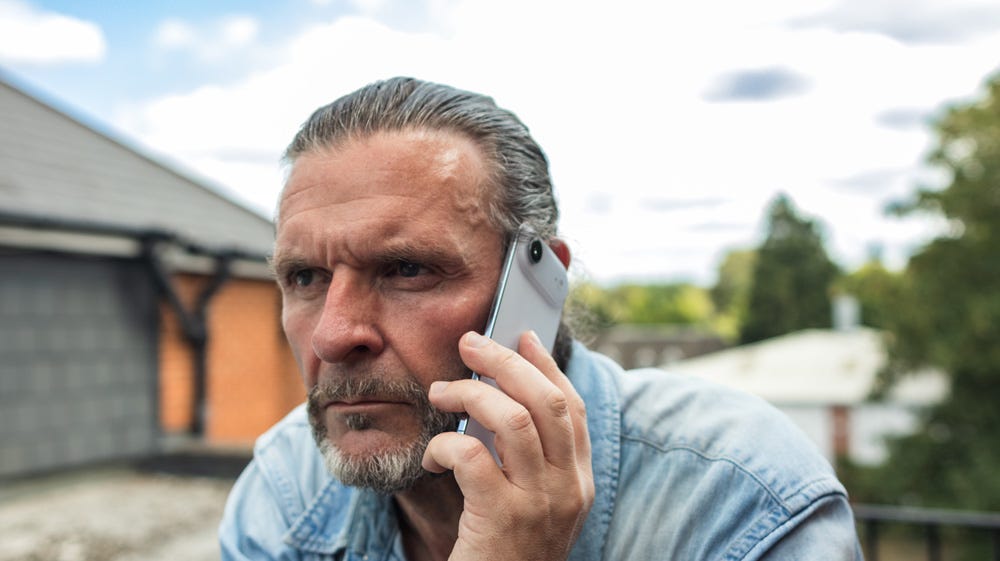
For the best part of the last year, my iPhone Air has merely been a pretty little sidekick.
It’s just sat on my desk or in my camera bag as a second phone. When I bought it to review, I put one of my backup eSIMs in it, and that’s how it stayed… until a few weeks ago.
The trouble is that every time I used the Air, I knew in my heart I loved it. It has a gorgeous feel to it that is hard to describe. The weight, or lack of it, is only part of the charm, but it’s more than that.
The polished silver titanium and bevelled edges are divine, and the fact that there is no camera bump wobble when it’s on your desk is another win. It just feels great in your hand - it’s as simple as that.
I think I chose the wrong colour though - if I had my time over, I’d go with either the Light Gold or Sky Blue. The Cloud White is insipid at best and generally just looks dirty, but that was my mistake.
The design of this phone, in my opinion, is flawless.
Every inch of the 5.6-inch display is usable and easily within reach. It’s tactile beyond belief, and the fears that everyone seemed to have about the battery have never proven to be a real-life issue for me.
It’s the most gorgeous phone I’ve ever used. And that’s what started to get me. Why wasn’t I using the iPhone Air as my main device? It’s the only phone that has ever truly stopped me in my tracks, and yet still I persisted in carrying around a heavy brick of a phone.
Why?
Oddly and somewhat bizarrely, the tipping point for me to make the full switch from my 17 Pro Max to the iPhone Air was a pair of shorts!
Summer loving
The UK summer this year has been a little on the warm side, to put it mildly!
That’s meant that I’ve been living in shorts - and it looks as if that’ll be the case for the foreseeable future! When I put the 17 Pro Max in my shorts pocket, the weight of it became a real issue. I could feel the phone slapping and flapping around all day long, and it’s one of those issues that once you’re aware of it, you can’t undo it.
The 17 Pro Max was quite literally weighing me down.
That was the driver that pushed me to finally make the switch that I know I should’ve made months ago.
I kept kicking the tin down the road, though, as I had a nagging suspicion that switching could be a ball ache. This wasn’t a straightforward setup, and losing my main number after all these years is not a thought worth thinking about.
In theory, I know it should have been simple enough, but this felt more convoluted than simply setting up a new phone.
This time, though, I had the bit between my teeth, and I wasn’t going to be put off.
Switching to the iPhone Air
In the past, when I’ve set up a new phone with an eSIM from my main number, it’s been super easy as it has just been a case of swapping devices.
This time, though, the iPhone Air was on Vodafone and the iPhone 17 Pro Max was on EE. So what I needed to work out was how to access my Vodafone details after I’d wiped the iPhone Air and then make sure that make sure all my data was safe from the 17 Pro Max and ready to load onto the Air.
A few months earlier, I’d toyed with the idea of using the dual eSIM feature on the iPhone Air, but then it struck me that wasn’t such a smart idea.
Two phones would mean two batteries, which would virtually eliminate all battery anxiety.
As much as it’s convenient to only carry one phone in theory, that wasn’t a major issue for me. In my day-to-day life, I only need one phone anyway, and when I’m in town on a shoot, the second phone lives as a backup in my camera bag.
In my case, having two phones made more sense. So how did I go about the physical job of swapping?
The big switch
Obviously, the first thing I did was to back up both phones.
I made sure both phones were fully charged, and remained on charge throughout the entire process just to be sure. At that point, I bit the bullet and wiped the iPhone Air.
I thought I was being dead clever and thinking ahead by installing the MyVodafone app on the 17 Pro Max to log in down the line - but as it turned out, I needn’t have bothered. I’ll explain why later.
I deleted everything from the phone, including the number. That meant the number on my Vodafone contract would be free to use later on the 17 Pro Max.
The next bit was straightforward enough - it was as simple as setting up a new phone from an existing iPhone. I scanned that little cloud-like visual animation you get on your old device with the iPhone Air, which meant that my main number had now been moved to the Air.
Then I encountered my first problem…
You get a couple of options as to how to set up your new phone. You can either download from iCloud or Transfer from iPhone. As I was in no rush and had set aside the afternoon to get this done, I chose the Transfer Data from iPhone route.
That was a mistake.
It initially told me it would take an hour or so, but after about 25 minutes it errored out. I think it was a case of there being too much data for my very average WiFi at home - it’s the only thing I can put it down to.
The second time around, I used the restore from iCloud backup, and it ran like a dream. Although the initial setup only took 25 minutes-ish, the full process took around four or five hours by the time all the apps had installed…and updated.
But at least the main and most anxious part of the process was in hand. My main number was now on the iPhone Air. Now it was just a case of being patient.
Round 2
Next, I had to sort out putting the Vodafone number on my 17 Pro Max.
If you remember, I said that I’d installed the MyVodafone app on the Pro Max thinking that would be the best way to get the job done.
As it turned out, Vodafone were one step ahead of me. When I wiped the iPhone Air, including the number, they sent me an email with a QR code. That was the part of the whole process that I was most concerned about, but that QR code saved the day.
Looking back, the process wasn’t as bad as I’d thought it might have been, but it was still pretty stressful. I think from start to finish the entire process must’ve taken around five or six hours to get both phones finally up & running.
All I’d say is, if you’re thinking of making a similar type of switch, set aside a day when you know you don’t really need your phones, allow plenty of time and be patient.
I didn’t wipe the iPhone 17 Pro Max - I only removed the SIM, as this was still going to be my second device. I can still access the banking apps, iMessage, Instagram, FaceTime, Notes, Reminders and Apple Pay, and it mirrors my iPhone Air.
Now, while I’m in London, I have two functioning phones with me on two different networks with two batteries.
The full story
I want to make it clear that this entire process of wanting to swap was not because I’d had any issues with the 17 Pro Max.
Actually, I have a lot to thank that phone for. I travelled like never before with that phone, and it taught me a lot about photography and helped me to fall in love with photography to the point where now I’m a published photographer.
I explored more features and functions with the 17 Pro Max than any other phone, and I truly got in the weeds with it. I got more use out of that phone than any other phone before.
I learned how to use the Blackmagic app to get the most from the video side of things, which in turn taught me what Shutter Priority mode is, video CODEC’s, white balance, and shutter viewing angles.
I even ended up with a bag full of third-party lenses for it as well. I have an anamorphic lens, a super wide-angle 110° lens and a couple of telephoto lenses as well.
All of that came about because of the core capability of the iPhone 17 Pro Max camera.
In a curious twist of fate, though, it was because the iPhone 17 Pro Max was so good that I ended up not needing it.
Let me explain.
Moving on
I bought my first new camera earlier this year, a Canon R50V. Although I’m aware that it’s pretty much the cheapest camera in their lineup, I couldn’t be happier with it. It’s compact, light and has continued my learning experience.
It goes everywhere with me - it’s like an extension of my right arm, and I make a point of taking all my pictures with it. The only pictures I shoot with the iPhone now are very much just personal snapshots.
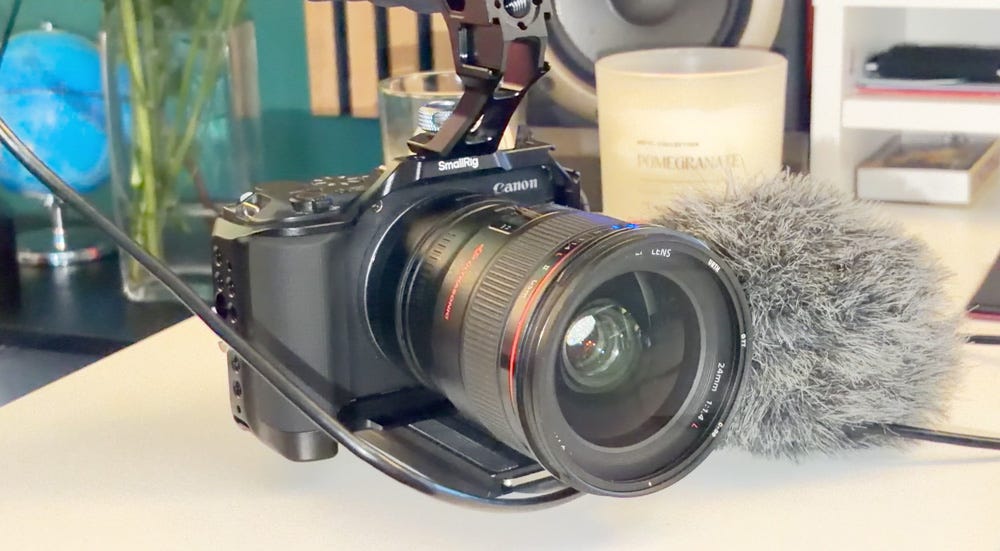
It’s the same story with video. I shoot all my video with it in downsampled 6K in Canon Log 3. This camera has taken me to the next level of creativity in all ways - and I directly have the iPhone 17 Pro Max to thank for sending me on that journey.
But now, I no longer need to be hulking around all that glass in my pocket for no reason.
The iPhone Air with its 48MP main camera is more than good enough for me as my daily carry. Add to that, as I mentioned, it’s also the most gorgeous phone that I’ve owned, so it’s a win-win.
Side by side, the iPhone Air makes the Pro Max look like a dinosaur.
I kept putting off making the switch, but as it turned out, it wasn’t that big of a deal. Yeah, it tested my patience, but looking back, it was just one long Sunday afternoon that I needed to set aside to get the job done.
The net result?
I get to carry around a bit of tech I’m genuinely proud to have with me. This is what tech should be about. Good tech should improve the quality of life, and without a single shadow of a doubt, the iPhone Air has done just that for me!
It’s odd that as the hype starts to ramp up for the iPhone Ultra, I actually can’t think of a phone that will fly in the face of what I’m looking for out of a phone these days.
I know all the chat will be about productivity. But I can get done on an iPad mini, thank you. So why on earth would I want to go back to carrying around a thicker, bulkier, heavier phone?
Sure, I’d get an ultra-wide camera (so we believe), but more than likely that’ll be coming to the Air 2 next spring anyway. I can wait.
The iPhone 17 Pro Max is now essentially a camera with a phone attached and lives in my camera bag.
The iPhone Air is my daily, and I can’t see myself swapping anytime soon.
Originally published at https://talkingtechandaudio.com on July 30, 2026.